
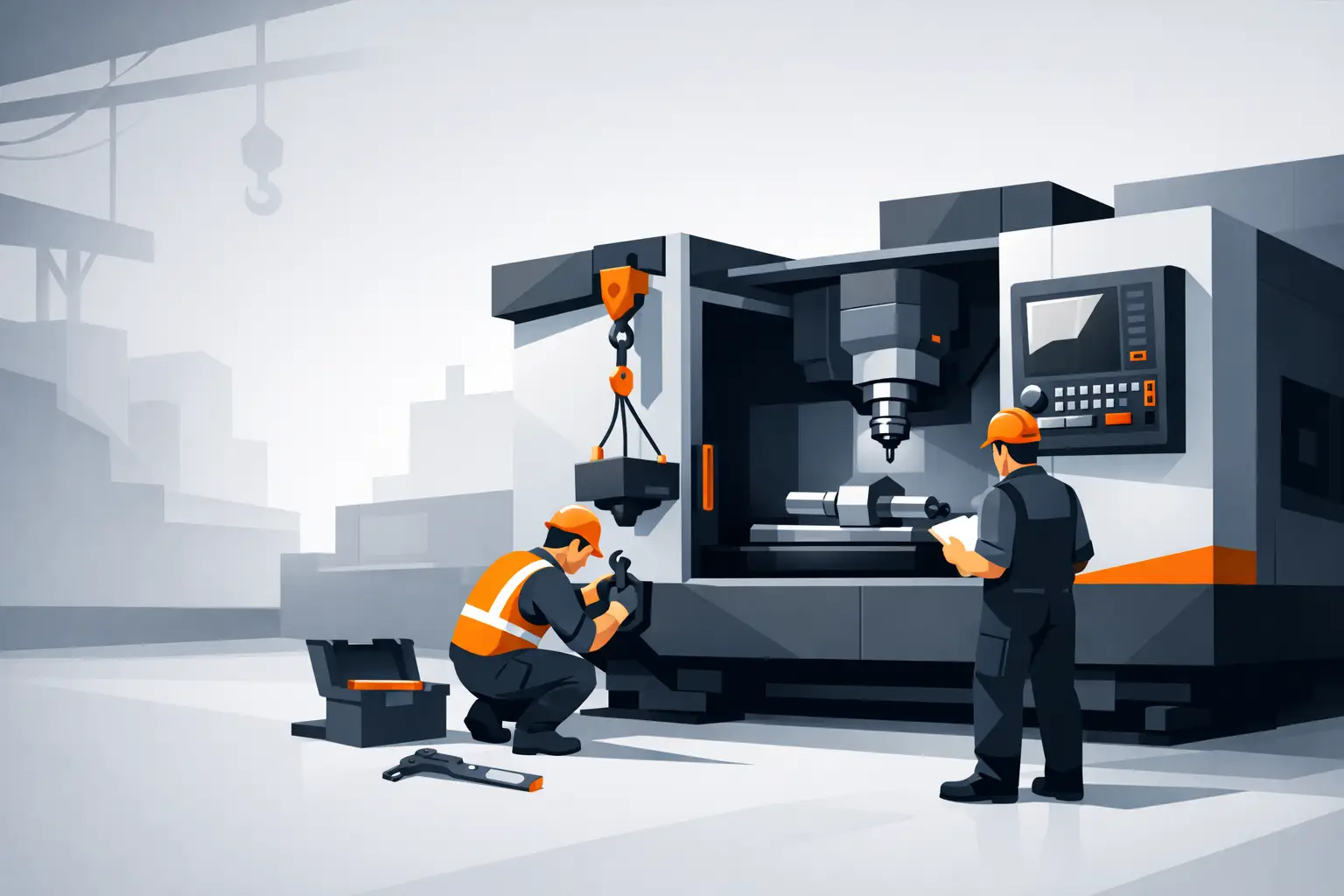
A CNC machine that is installed poorly will keep reminding you. You see it in lost accuracy, nuisance faults, inconsistent cutting, and production delays that should never have happened. If you are asking how to install CNC machine equipment properly, the real goal is not just getting it powered on. The goal is getting it production-ready, stable, and dependable from day one.
For workshops adding a CNC router, laser system, or ATC machine, installation is where machine quality and workshop planning meet. A rigid frame, accurate motion system, and clean electrical design matter, but they still need the right floor, power, access, and setup conditions to perform as intended. Good installation reduces startup issues. It also protects the machine over the long term.
How to install CNC machine equipment starts before delivery
Most installation problems begin well before the truck arrives. The common mistake is treating delivery day as the start of the process. In practice, the work starts with site preparation.
First, confirm the machine footprint and the real operating envelope. The bed size is only part of it. You also need room for operator access, loading and unloading material, maintenance clearance, dust extraction or fume extraction connections, and access to the electrical cabinet. A 1325 router may fit through the roller door and still end up cramped once sheet handling starts. Larger 1825, 1836, or ATC-equipped systems need even more thought because the workflow around the machine matters as much as the machine itself.
Floor condition is another major factor. A CNC machine does not need a perfect showroom slab, but it does need a stable, load-capable surface that supports the frame evenly. If the floor is uneven, installation becomes slower and machine leveling becomes more critical. In production shops, vibration from nearby equipment can also affect long-term accuracy, especially if the machine is installed too close to heavy impact machinery or unstable storage areas.
Power should be confirmed early, not checked after unloading. Voltage, phase requirements, breaker sizing, and cable routing all need to match the machine specification. This is one area where guesswork causes expensive delays. If your machine includes vacuum pumps, chillers, dust extraction, compressors, or an automatic tool changer, those support systems should be planned as part of the install, not bolted on later.
Delivery, unloading, and positioning
The physical move into place is where site reality catches up fast. Door clearance, ceiling height, forklift capacity, and turning space must all be checked beforehand. A machine may fit the workshop on paper but still be difficult to unload safely or maneuver around columns, stored stock, or other equipment.
Positioning should be based on workflow, not just empty floor space. Think about how full sheets or workpieces will enter and exit the machine, where operators will stand, and how service access will be maintained. Placing a machine tightly against a wall may save space, but it often creates trouble later when maintenance or cable access is needed.
For many buyers, this is where supplier support matters. A machine supplier with real installation experience will usually flag access issues before delivery and help avoid costly repositioning on the day.
Leveling and anchoring the machine
Once the machine is in position, the frame needs to be leveled correctly. This is one of the most overlooked parts of CNC installation because the machine may look fine even when it is not sitting evenly.
A rigid machine frame performs best when load is distributed properly through its support points. If one corner is carrying more load than another, it can introduce twist into the frame. Over time, that can affect motion quality, cut consistency, and mechanical wear. On larger routers and production machines, careful leveling is not optional if repeatable accuracy matters.
Whether a machine should be anchored depends on the model, floor condition, and application. Some machines are designed to sit on leveling feet and remain stable without anchoring, while others benefit from being fixed in place. The right approach depends on the machine design and the type of work being done. Heavy cutting loads, frequent loading impacts, or uneven floors may influence that decision.
Electrical connection and supporting equipment
Electrical installation is not just about making the machine power up. It is about giving the control system, motors, spindle, and accessories a stable environment to operate correctly.
Clean power supply matters more than many first-time buyers expect. Voltage instability, poor grounding, or under-sized supply can create faults that look like machine issues but are actually site issues. If the machine uses additional equipment such as a vacuum pump, chiller, air compressor, or extraction unit, each part should be installed with enough capacity and proper routing to avoid restricting performance.
Cable management also deserves attention. Loose, exposed, or badly routed cables can create maintenance problems and make the machine area harder to keep clean. A professional installation keeps electrical and service connections organized, protected, and easy to inspect.
Air, extraction, and environmental setup
A CNC machine does not operate in isolation. Routers need effective dust extraction. Laser systems need proper fume handling and cooling support. Pneumatic systems need dry, stable compressed air where required.
This is where workshops sometimes underbuild the supporting infrastructure. The machine itself may be capable of high feed rates and continuous production, but weak extraction or poor air supply can reduce cut quality, increase cleaning time, and add wear to key components. A good install treats those systems as part of production capacity, not as accessories.
Workshop environment also plays a role. Extreme dust, uncontrolled moisture, or large temperature swings can affect electronics, materials, and machine consistency. You do not need a laboratory environment, but you do need a clean, practical production setup that supports reliable operation.
Software, control setup, and calibration
If you want a practical answer to how to install CNC machine systems fully, this is the stage where mechanical installation becomes operational installation. The machine may already be in place and powered, but it is not ready until control settings, communication, and calibration are verified.
That usually includes controller startup, homing checks, axis movement confirmation, limit function checks, spindle or laser parameter setup, and verification that the machine responds correctly to programmed commands. Tool measurement systems, vacuum zones, and ATC functions also need to be checked if fitted.
Calibration should be approached methodically. The objective is not just seeing movement. The objective is confirming that commanded movement matches actual movement and that the machine cuts or engraves to expected dimensions. This is especially important for workshops producing cabinetry, sign work, fabricated parts, or repeat production jobs where small setup errors quickly become material waste.
First-run testing should be controlled, not rushed
The first production test tells you a lot about the install quality. It should not be treated as a race to start full output.
Start with basic movements and simple test files. Confirm smooth travel, stable operation, extraction performance, and clean communication between software and control system. Then move to sample material that reflects your real workload. A wood shop cutting nested panels has different priorities from a fabricator processing sheet or a sign maker running fine detail work.
This stage often reveals smaller adjustments that are normal after install. Vacuum hold-down may need tuning. Feed and speed settings may need refinement for your material mix. Tooling setup may need attention. None of that means the machine is underperforming. It means installation and commissioning are being done properly.
Why professional support saves time
Experienced workshops know that machine installation is not just a transport and wiring exercise. It is a performance setup process. That is why supplier support matters, especially for larger CNC routers, custom builds, and production-focused systems.
A capable supplier helps with pre-install planning, confirms site requirements, supports commissioning, and stays available when real production questions start. That ongoing support is often the difference between a machine that becomes central to the business and a machine that creates avoidable downtime. For businesses installing in busy industrial areas such as Melbourne, Wetherill Park, or Brendale, where floor space and uptime both matter, getting the install right from the start is worth more than trying to fix problems later.
MadBytes approaches installation with that workshop-first mindset because machine performance is shaped by what happens after delivery as much as what is built into the frame.
The real standard for a successful CNC installation
A successful install is not measured by whether the screen lights up or the gantry moves. It is measured by whether the machine holds accuracy, runs consistently, fits your workflow, and is backed by support when production pressure is real. If you plan the site properly, install the support systems correctly, and commission the machine with care, your CNC becomes what it should be – a reliable production asset, not another workshop problem.
Take the extra time at installation, because that is usually the cheapest time you will ever have to get it right.