
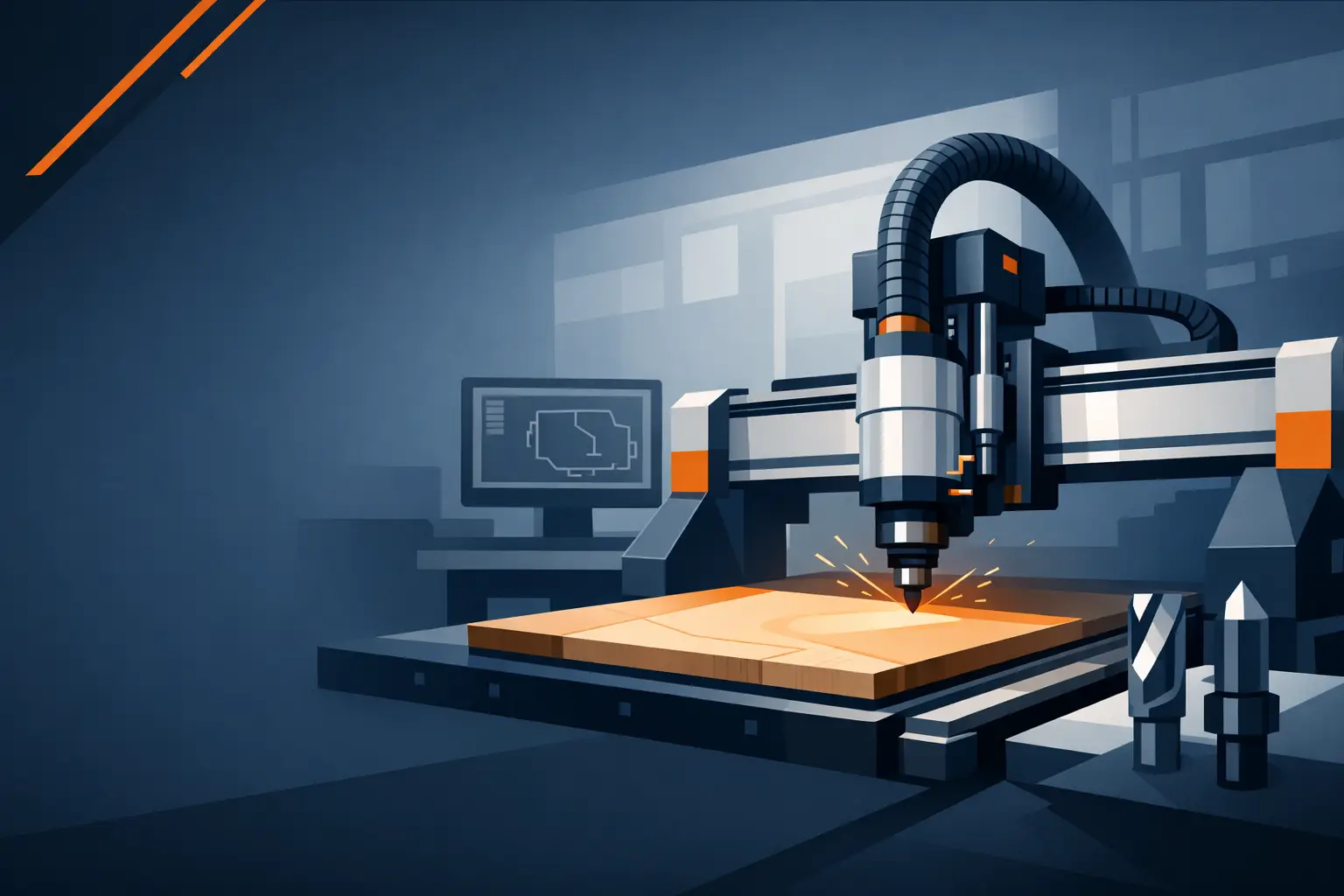
The wrong CNC router usually looks fine on paper. The problems show up later – inconsistent cut quality, lost steps, weak hold-down, vibration at speed, and support that disappears when production is waiting. A good cnc router buyer guide should help you avoid that mistake by focusing less on brochure claims and more on what actually matters in a working shop.
For cabinetmakers, sign shops, fabricators, and general manufacturers, the right machine is not just about cutting material. It is about repeatable output, predictable cycle times, clean finishes, and uptime you can count on. That is why buying a router requires more than comparing spindle power and table size. You need to understand how the machine is built, how it will fit your workflow, and what kind of support sits behind it.
What a CNC Router Buyer Guide Should Cover First
Start with the work, not the machine. Buyers often jump straight to model numbers and options, but the better question is what the router needs to do every day. If you are nesting sheet goods for cabinet production, your priorities will be different from a shop cutting aluminum composite panels, hardwood signs, plastics, or mixed materials.
Think about sheet size, part volume, cut depth, edge finish requirements, and whether you need one-off flexibility or repeat production speed. A 1325 machine may suit many shops working with standard sheets, while larger formats such as 1825, 1828, 1836, 1360, or 1860 make more sense when your workload includes oversized panels, higher throughput, or larger job setups. Bigger is not always better, though. A machine that takes more floor space than you need, or adds handling inefficiency, can hurt workflow just as much as an undersized table.
Material type matters just as much. Timber, MDF, plywood, acrylic, composite board, and non-ferrous materials all place different demands on spindle power, vacuum hold-down, tooling strategy, and machine rigidity. If your work varies, versatility becomes part of the buying equation.
Frame Rigidity and Motion Quality Matter More Than Spec Sheets
A CNC router can have an impressive option list and still underperform if the structure is weak. Rigid frames, stable gantry design, and accurate motion systems are what give you consistent finishes and reliable repeatability over time. Shops running daily production loads should pay close attention here.
This is one of the main trade-offs in the market. Lower-cost machines may advertise similar travel, spindle size, or speed figures, but those numbers do not tell you how the machine behaves under load. Frame flex, poor alignment, light gantry construction, and inconsistent linear motion show up as chatter, dimensional drift, and edge quality problems. Those issues cost time long after the machine is delivered.
A well-engineered machine should feel designed for actual production, not just showroom appeal. Clean electrical layout, dependable drive components, stable rails, and proper cable management all contribute to long-term reliability. Buyers sometimes overlook these details because they are less visible than spindle horsepower, but they have a direct effect on uptime and serviceability.
Choosing the Right Table Size and Configuration
The right bed size depends on your material flow, not just your biggest sheet. For many woodworking and sign applications, a 4×8 class machine is the practical starting point because it aligns with common panel sizes and keeps loading straightforward. If your work regularly involves larger sheets, nested production, or long components, moving to a larger platform can save setup time and improve output.
You should also think about access around the machine. A larger router may improve cutting capacity but create bottlenecks in material loading and unloading if the surrounding workspace is tight. Shops planning for growth should balance current needs with realistic production expansion, not just buy the biggest table available.
Vacuum table design is another important part of the table conversation. Good hold-down affects cut accuracy, sheet stability, and finished edge quality. If you cut a lot of smaller parts, nested components, or thinner materials, the vacuum system needs to support that workload. It depends on your typical jobs, but poor hold-down is one of the fastest ways to lose efficiency on an otherwise capable machine.
Spindle, Tooling, and ATC Options
The spindle should match the material mix and duty cycle of your shop. More power is useful, but only if the rest of the machine can support it and your work justifies it. A production workshop cutting dense materials all day has different demands than a shop doing lighter routing with lower daily hours.
Automatic tool change is one of the clearest examples of where buyer priorities differ. An ATC router makes strong sense for shops doing cabinet work, multi-tool programs, frequent material changes, or repeat jobs where setup time affects profit. It reduces manual intervention and helps maintain flow across longer runs. For smaller shops or simpler part profiles, a non-ATC machine may still be the smarter buy if it keeps capital cost aligned with actual use.
This is where a practical cnc router buyer guide needs to be honest: ATC is not automatically the right choice for every business. It adds speed and convenience, but if your jobs rely on one or two tools and lower daily volume, the return may not be immediate. The right decision comes down to production style.
Software, Controls, and Ease of Operation
A capable machine still needs an operator-friendly control environment. Shops should look at how jobs are loaded, how offsets are managed, how diagnostics are handled, and how easy it is for operators to work consistently. Reliable controls reduce mistakes and help new staff come up to speed faster.
The best systems support real production rather than forcing workarounds. That means clear interfaces, dependable communication between software and machine, and settings that can be managed without constant troubleshooting. For businesses adding CNC for the first time, ease of operation matters just as much as raw performance. For experienced buyers, the focus is often on repeatability, recovery after interruptions, and simple maintenance access.
Service, Installation, and Support Are Part of the Machine
Support should be evaluated as part of the purchase, not as an extra. When a machine is central to output, downtime has a direct cost. That makes installation help, technical backup, spare parts access, and responsive troubleshooting critical parts of long-term value.
This is where many buyers get caught out. A low purchase price can look attractive until a setup issue, electrical fault, or calibration problem stops production. If support is slow, unclear, or outsourced without real technical depth, the machine becomes a liability.
A supplier with direct engineering knowledge is usually a stronger partner than a seller focused only on moving stock. Shops should ask who handles installation, what training is available, how technical issues are diagnosed, and whether support continues after commissioning. For buyers in major workshop regions such as Melbourne, Sydney, Brisbane, and surrounding industrial areas, local access can add practical value, but responsiveness matters even more than postcode coverage.
Comparing Long-Term Value, Not Just Purchase Price
Price always matters, but the cheapest router is rarely the lowest-cost machine to own. Long-term value comes from output, accuracy, reliability, maintenance simplicity, and support quality. If a better-built machine holds tolerance, cuts cleanly, and stays in service under production load, it usually pays back through reduced rework and better throughput.
This is especially true for commercial shops where machine time is tied directly to delivery schedules. A router that saves a few thousand upfront but creates recurring interruptions will cost more over its life. On the other hand, not every buyer needs the heaviest specification available. If your workload is lighter or more specialized, the best investment may be a simpler machine with the right fundamentals and upgrade path.
MadBytes approaches this from a workshop-first position: build quality, machine suitability, and after-sales support should be aligned with how the router will actually be used, not just how it looks in a quote.
Questions Worth Asking Before You Buy
Before committing, ask how the machine is built, what materials it is best suited for, how the vacuum system is configured, what upgrade paths are available, and who supports it after installation. Ask what happens if a drive component fails, how quickly technical help is available, and whether the machine is configured for your production type or sold as a generic package.
Those answers will tell you far more than headline specs. A serious supplier should be able to explain why a certain model, spindle, or table size fits your workload and where a higher specification is worthwhile versus unnecessary.
The right router should feel like a production asset from day one – stable, accurate, serviceable, and backed by people who understand what downtime means in a real shop. Buy for the work you do now, but leave room for the jobs you want to take on next.